How to Draw Minecraft Sheep with this how-to video and step-by-step drawing instructions. As you follow along, you will sketch out different parts of the sheep and can choose your own colors to make it unique. Remember, this is about practicing your drawing skills and discovering how to express this character in your own way.
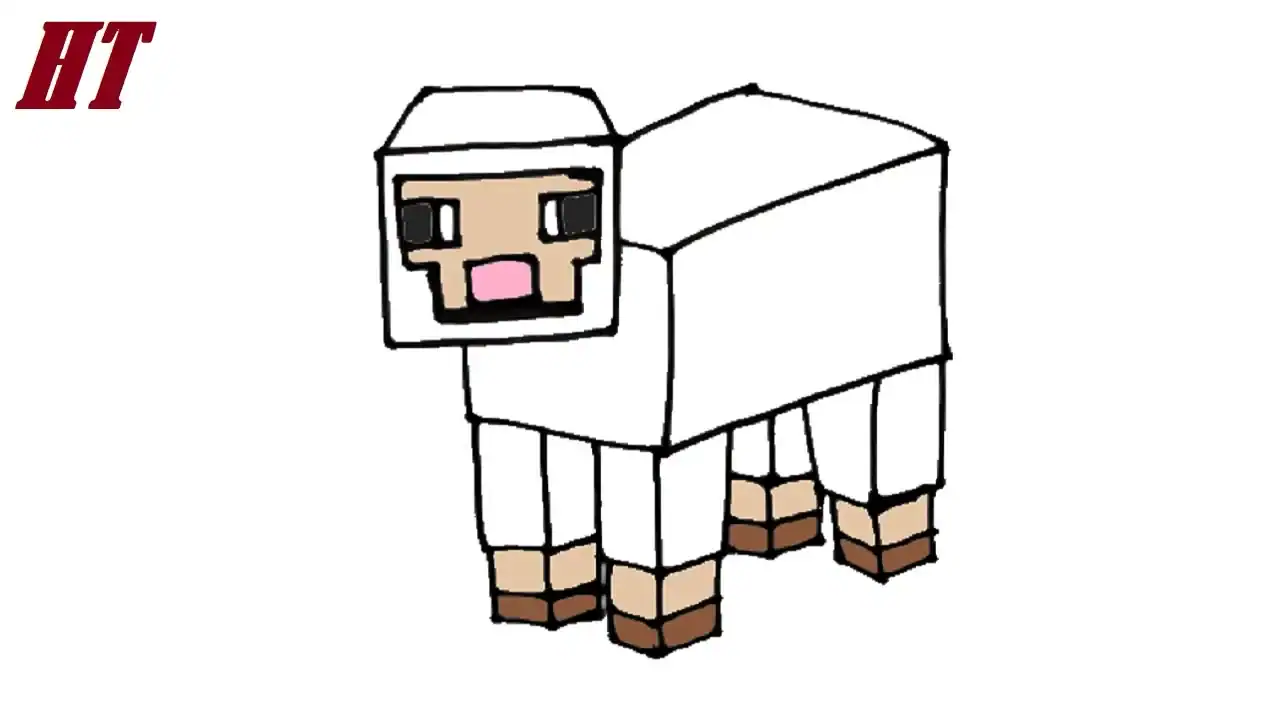
Please see the drawing tutorial in the video below
Minecraft Sheep Drawing Step by Step
Step 1. Sketch the Face
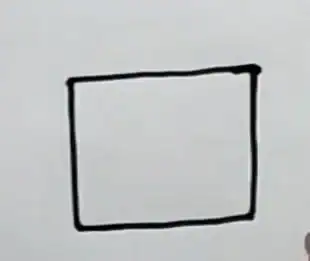
First, draw a rectangle to form the shape of the Minecraft sheep’s face.
Step 2. Draw the Face Details
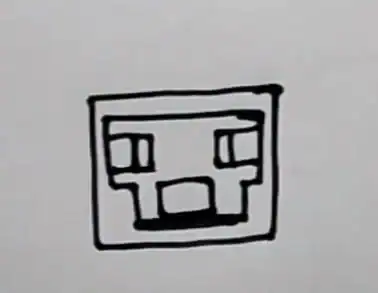
Sketch the shape of the sheep’s face. Draw a pair of blocky eyes on the face. Attach a small rectangle at the bottom of the face to form the sheep’s mouth as shown.
Step 3. Finish the Head
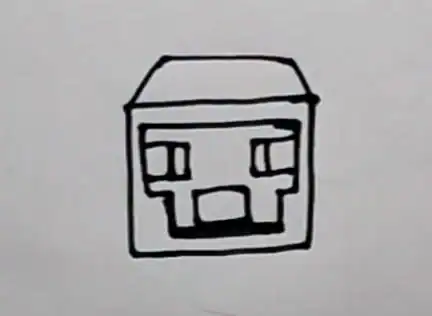
Finish the head by adding details so that the head is a rectangular block.
Step 4. Sketch the Body
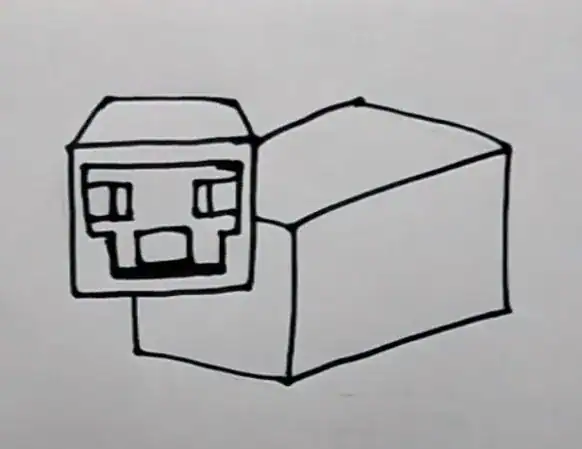
Draw a long, slanted rectangle behind the head to form the sheep’s body.
Step 5. Add the Legs
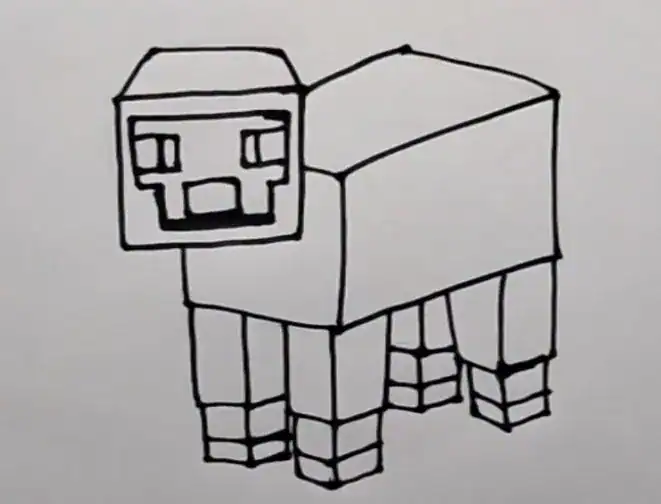
Under the body, draw four vertical blocks to form the sheep’s upper legs.
Draw a thinner rectangle to form the lower legs.
Sketch the sheep’s feet near the base of the legs.
Step 6. Color the Minecraft sheep drawing
First, color the sheep’s face and legs brown. Next, use a darker shade of brown for the feet. Color the mouth pink. Next, color the eyes black and white. Then, use cream color for the head, body, and legs.


