How to Draw a Minecraft Sword from Minecraft with this how-to video and step-by-step drawing instructions. This drawing process will take about 10 minutes to complete. You will follow clear instructions, focusing on shapes and coloring techniques to help you create your own version of the sword.
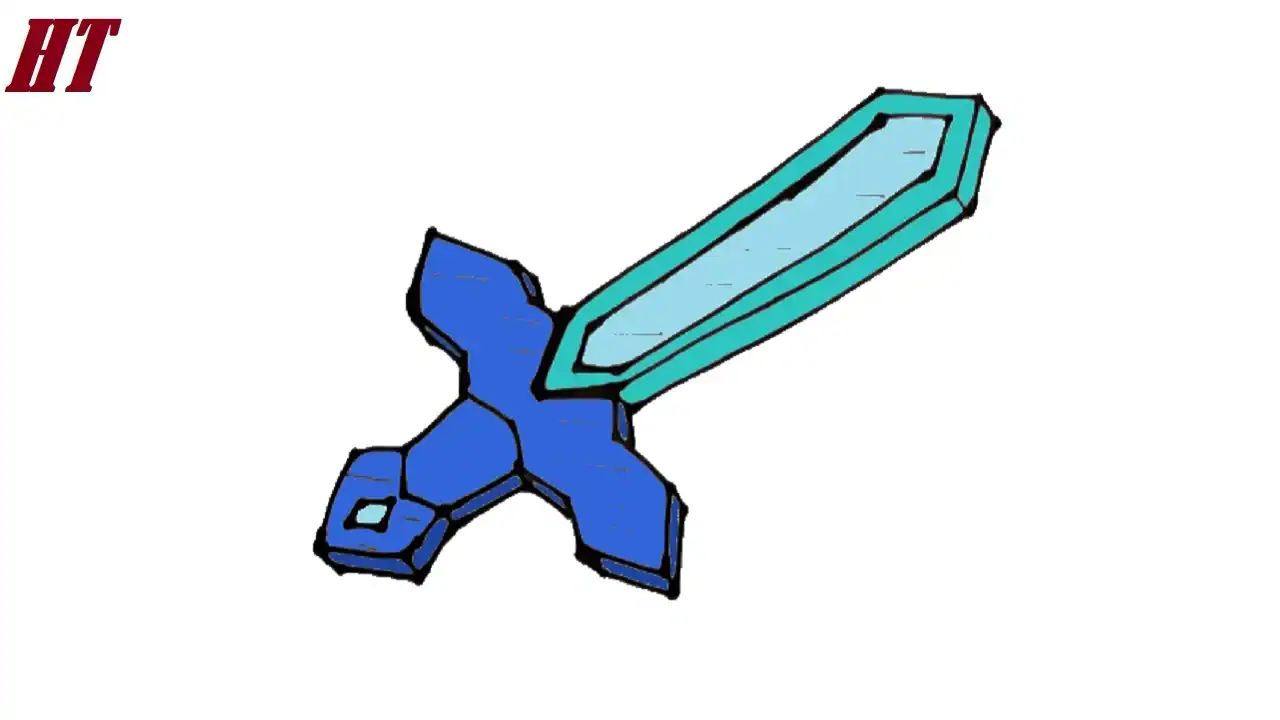
Please see the drawing tutorial in the video below
Minecraft Sword Drawing step by step
Step 1. Draw the Blade
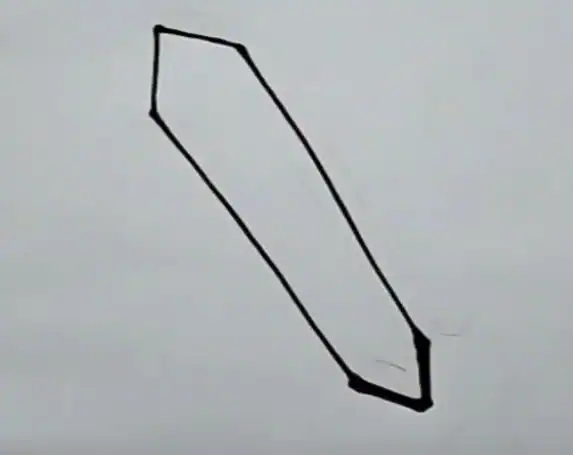
Start by drawing the long, pointed blade of the Minecraft sword.
Step 2. Shape the Edge of the Sword Mesh
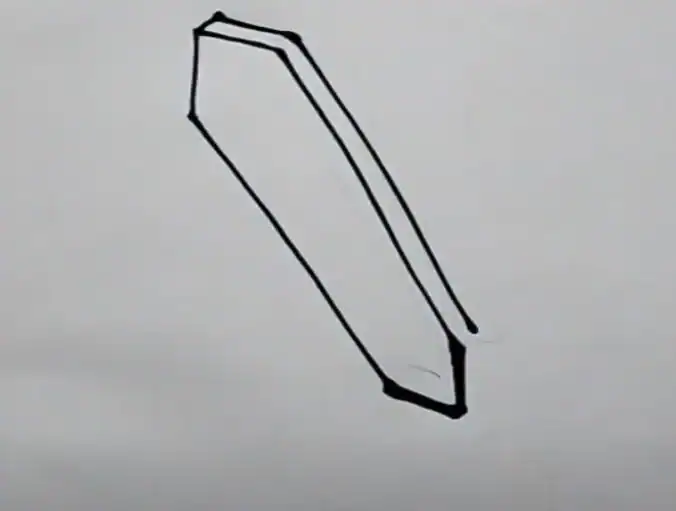
Next, shape the right edge of the blade as shown.
Step 3. Add the Cross Sword

Draw the serrated outline of the cross sword below the blade. Draw the visible edge of the cross sword, similar to the illustration.
Step 4. Sketch the Blade Center Outline
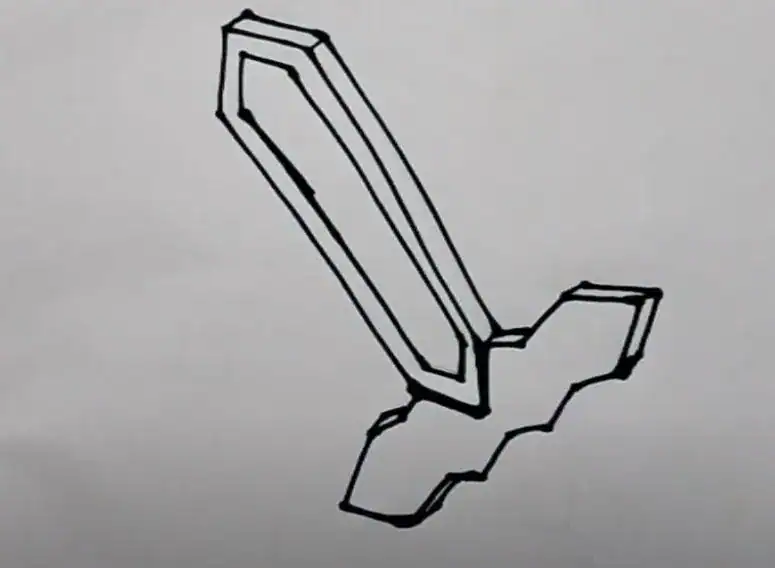
Draw an outline following the shape of the blade to create an outline around the center of the blade.
Step 5. Create the Sword Handle
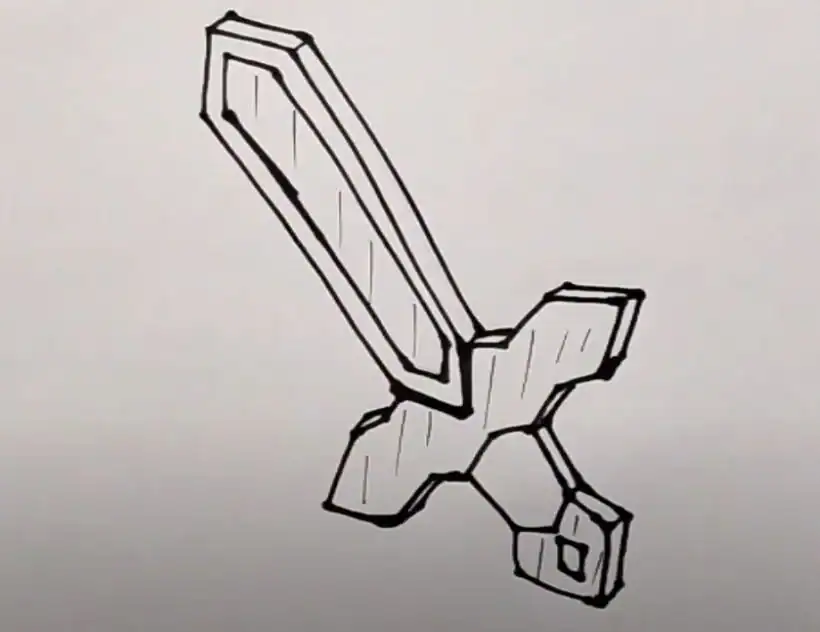
Draw a short, pointed handle that attaches to the cross sword.
Add a diamond-shaped hilt at the end of the handle.
Next, draw the outline of the right edge of the handle to create volume.
Step 6. Color the Minecraft Sword Drawing
First, color the center of the blade in light blue, and use shades of green for the blade outline. Next, color the sword guard dark blue. Then, color the hilt brown. Finally, color the center of the blade dark blue.
You can see more Minecraft Drawings:


