How to Draw the Minecraft Logo with this how-to video and step-by-step drawing instructions. By the end of this tutorial, you will be drawing the Minecraft logo with ease.
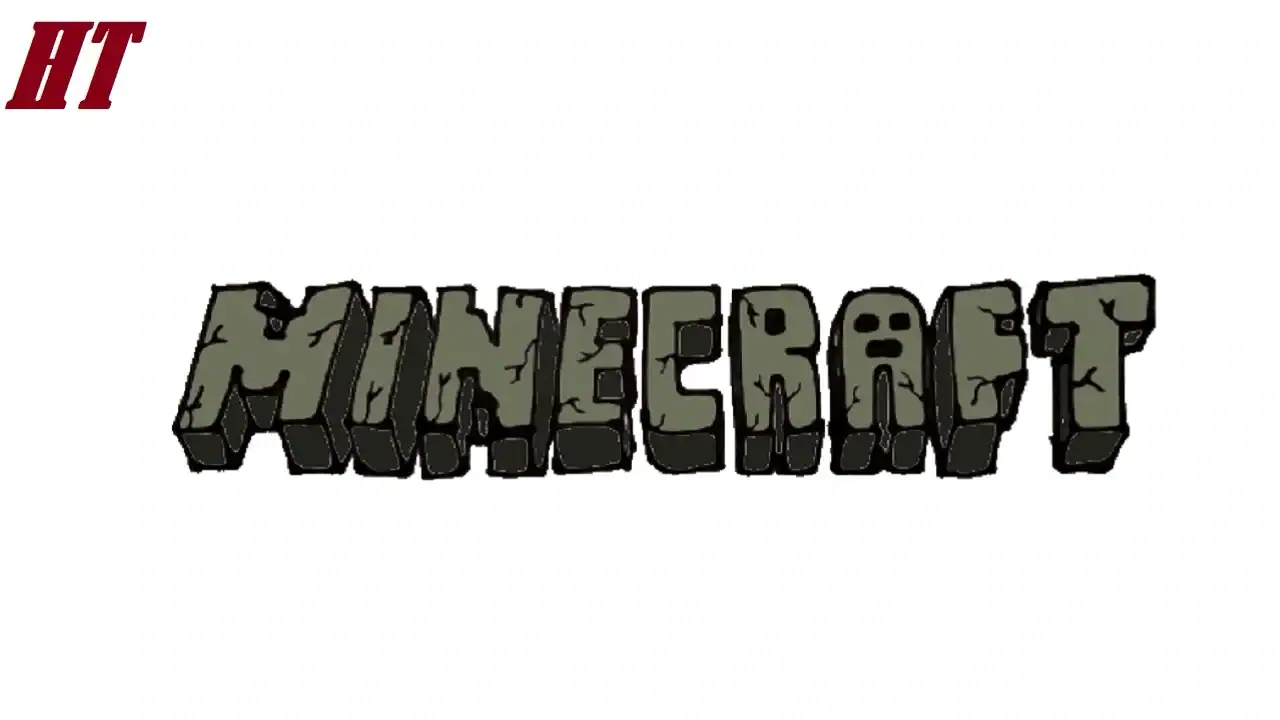
Please see the drawing tutorial in the video below
Minecraft Logo Drawing step by step
Step 1. Draw the Letter MINE
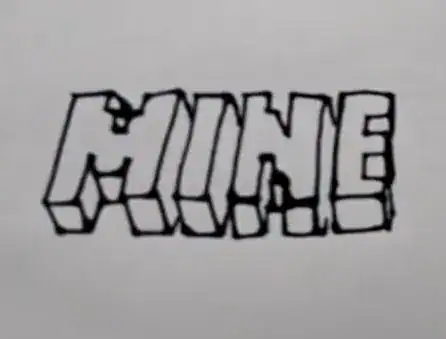
Start by sketching out the blocky letters M, I, N, and E in bold capital letters. Draw angular edges along the right and bottom edges of the letters M, I, N, and E as shown.
Step 2. CRAFT

Next, draw the blocky letters C, R, A, F, and T. Then, add a small creeper face to the middle of the letter A.
Add blocky edges to the left and bottom edges of the letters C, R, A, F, and T.
Step 3. Sketch the Cracks

Draw jagged lines to sketch out small cracks along the letters of the MINECRAFT logo.
Step 4. Color the Minecraft Logo Drawing
First, fill in the space inside the R and the creeper face in the A with black. Next, fill in the top of the letters with a light gray. Then use darker shades of gray for the 3D edges of the letters.


