How to Draw a Minecraft Chest with this how-to video and step-by-step drawing instructions. When you start drawing a Minecraft chest, you’ll notice that the first thing you’ll need to do is create some simple lines and shapes. This is a great way to build a solid foundation for your drawing! Once you’ve got the basics sketched out, you can save the fun of coloring for later. It’s helpful to go through all the steps before you begin so you understand how everything fits together. There are nine steps in total, walking you through every part of the chest, from the base to the lock and even the pixelated textures that make it look exactly like it does in the game. Excited to create your own Minecraft chest? Let’s get started!
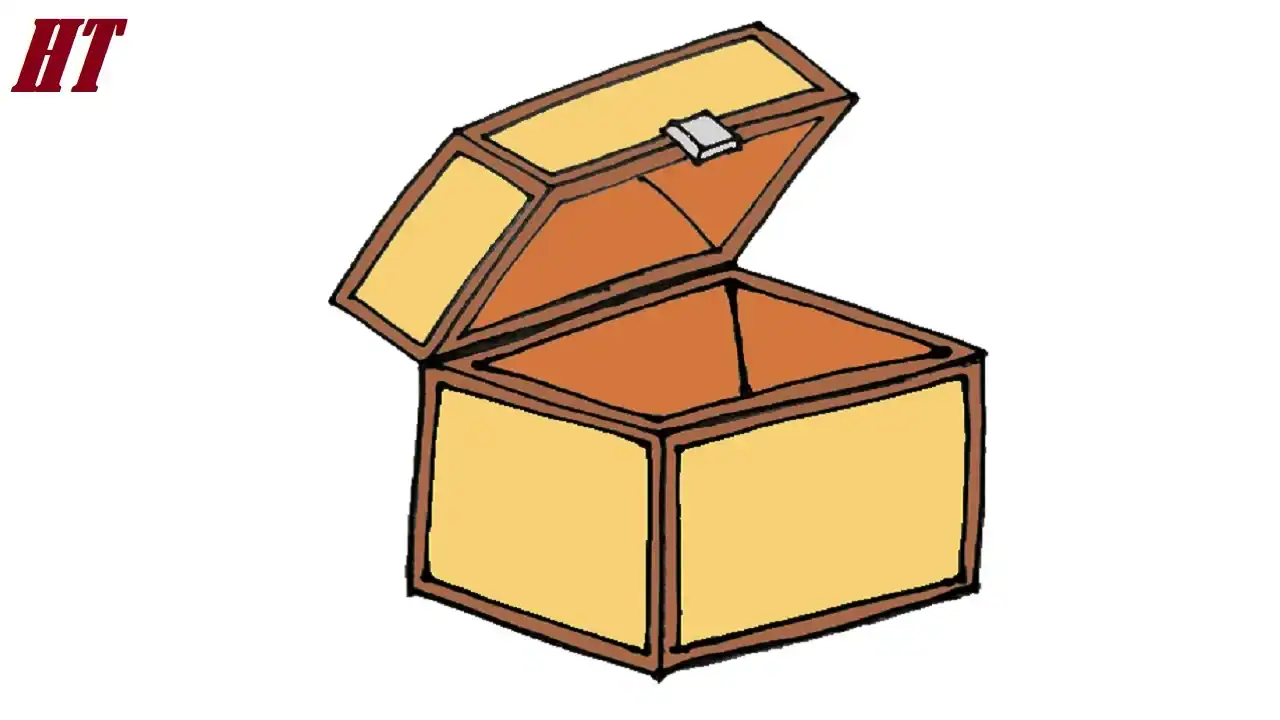
Please see the drawing tutorial in the video below
Minecraft Chest Drawing Step by Step
Step 1. Sketch the Top Opening
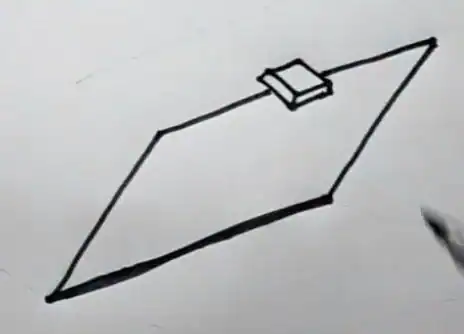
First, draw a slightly smaller rectangle to outline the opening.
Add a small rectangular lock to the top of the chest.
Step 2. Create the Top
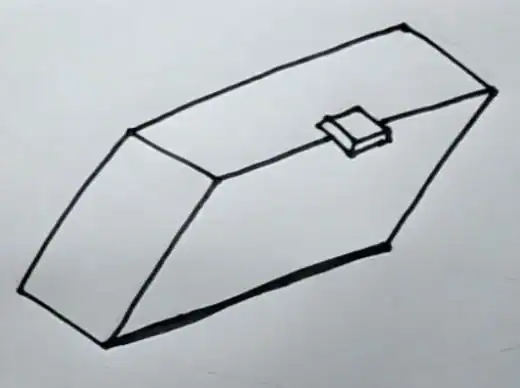
Above the base, draw the top of the chest facing upwards as if it were open, similar to the illustration.
Step 3. Draw the lining for the top and inside corners
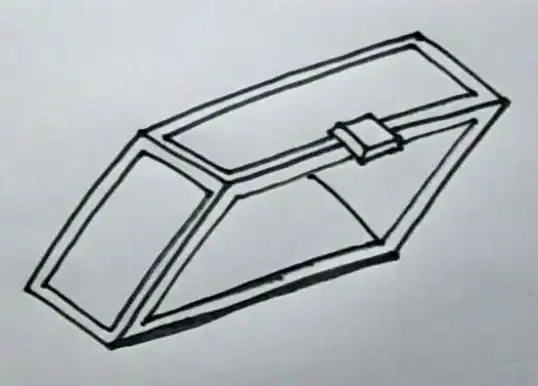
Repeat the same step on the top of the chest by drawing rectangular outlines.
Draw diagonal lines to form the inside corners of the top
Step 4. Draw the Base

Let’s start by sketching a rectangular box to be the base of the Minecraft chest. You can use a ruler to align the lines!
Step 5. Draw the Bottom Opening and Add the Lining for the Bottom

Now, create a correspondingly smaller rectangle to outline the opening of the chest’s base.
Add rectangular outlines on the outside of the chest bottom.
Draw diagonal lines to form the inside corners of the chest bottom.
Step 6. Coloring the Minecraft Chest Drawing
First, color the outside of the chest with a light orange tone. Next, use a dark brown for the thick lining around the top and bottom of the chest. Now, color the chest lock with a light gray. Then, color the inside with a brown tone. Finally, add slightly darker blocky spots all over the chest to simulate the pixelated texture in the game.
You can see more Minecraft Drawings: